Web programming with Python - Part 2 - CGI
If you have read the previous post, we stopped after introducing web servers. In this post, we write very simple web application using cgi programming.
CGI stands for Common Gateway Interface. Let’s say we received a web request, and we want to process that request with Python. CGI is basically a script that is run by the web server whenever a request is received. The script can be a Python script or a Shell script or Ruby script. Let’s create a Python cgi script to process our request.
| |
First line tells this script should run on default python3. Second line prints the response header. We say to browser that whatever comes with this page is plain text. The third line is the actual page content, in our case, it’s just a message ‘Hello web!’. Just notice every line printed on standard output is taken by cgi module and delivered to browser.
Lets put this script on location and tell apache that there is a cgi script. First we have enable cgi module in httpd.conf (apache configuration file)
| |
This line will already be there. Just make sure it’s not commented out. Let’s also tell apache that where to find this script
| |
/Library/WebServer/CGI-Executables is where we put hello.py. Now start apache.
| |
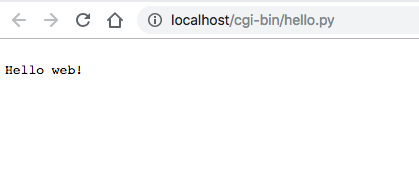
Starting apache command varies with different operating systems, so look for online documentation about how to start your Apache server. We can now head to http://localhost/cgi-bin/hello.py and see our first web application like the one below.